Send chatbot leads straight into HubSpot
Press Connect once. Every visitor who leaves an email in the chat becomes a HubSpot contact with the conversation on their timeline.
- Growth and Agency
- One click, no key
- Nothing to build
Sofia Marin
New lead via Matter Chat
just now- Topic: Pricing
- Message: “Do you integrate with Bubble?”
- Page: /pricing
Asked to talk to a person
2 min laterOpen the conversationVisitor: Can I talk to someone about an annual plan?
Assistant: Of course — I have let the team know.
Visitor: Thanks, I am around until six.
- Contact by email
- Created or updated by address, so a returning visitor is one record.
- Note on the timeline
- Topic, message, the page, and a link back to the chat.
- Handoff note
- A visitor asking for a person lands on the same contact.
- One click, no key
- You approve the app inside HubSpot, and nothing gets pasted.
What lands in HubSpot
Contacts and notes, on each event, written the way a rep reads them.
One contact per email
Upserted, not duplicated — the same address updates the contact it already made.
The lead note
Topic, message, the page it came from, and “Open in Matter Chat”.
The handoff note
“Asked to talk to a person”, with the last few lines of the transcript.
Only with an email
A note needs a contact to land on, so anonymous chats stay in the dashboard.
Contacts and notes only
It asks for contact read and write access, and nothing wider.
Send test
One button proves approval, contact and note before a real visitor does.
Leads captured in a chat widget die in an inbox
A visitor leaves an email at nine at night, the notification lands under forty others, and someone retypes it into the CRM on Monday — or not.
- Chat leads arrive as email alerts nobody re-keys into HubSpot
- The rep cannot see what the visitor actually asked
- A visitor who asks for a human is a Slack message, not a CRM record
Connecting takes one click
Nothing is required on the HubSpot side beyond approving the connection.
- 1
Open the bot’s settings
Settings → Leads & CRM, on the bot you want connected — each bot connects to a portal on its own.
- 2
Press Connect HubSpot
HubSpot asks which portal to use and what to allow: contacts and notes.
- 3
Land back on the card
It now shows the portal it is connected to.
- 4
Press Send test
A contact named Matter Chat Test appears in the portal, and the card says whether it arrived.
HubSpot
Contacts and notes · not connected
after approval: a contact named Matter Chat Test appears in the portal
What it does not do
It pushes on each event and stops there.
- No two-way sync — nothing comes back
- No deals, pipelines or custom properties
- No replay of a missed send — the card shows why
- Every lead stays in the dashboard, whatever HubSpot said
Zapier or the direct connection?
Both reach HubSpot and both are on Growth and Agency. Pick by the job.
- Direct: contacts and timeline notes, nothing to maintain
- Zapier: deals, properties, a second portal
- Run both at once, or start with one and switch
- Same tier, so it is about the job, not the plan
Keep reading
All solutions

What HubSpot users ask
Short answers. If yours is not here, the assistant on this page will try it — and tell you honestly if it cannot.
Which plan includes the HubSpot connection?
Growth and Agency. It is the same tier as Zapier, so the two routes into a CRM never disagree about who can use them. On Starter the Leads & CRM card shows an upgrade prompt in its place.
Will it create duplicate contacts?
No. Contacts are created or updated by email address, so a returning visitor updates the contact they already made and the new conversation is another note on the same timeline.
What happens if the visitor never gives an email?
Nothing is sent. A HubSpot contact needs an email to exist, and a handoff note needs a contact to land on, so an anonymous conversation stays in the dashboard and your notifications rather than reaching HubSpot.
Does it work with a free HubSpot portal?
Yes. Contacts and notes are part of every HubSpot tier, and the connection uses HubSpot’s standard app approval, so a free portal connects the same way a paid one does.
Can I see whether a lead reached HubSpot?
The Leads & CRM card shows the result of the last send and, if it failed, the reason. Every lead is also kept in the dashboard regardless, so nothing depends on HubSpot having accepted it.
From the blog
All posts- EvaluatingWhy answer rate is a vendor metric, not a buyer metricAnswer rate is trivially improved by being less careful. Here is what the number actually measures — and what to read instead when you evaluate vendors.Read
- EvaluatingWhat supporting Arabic properly asks of an AI chat widgetWhat correct Arabic support in an AI chat widget involves — right-to-left layout, mixed-direction text, reply language, citations and search — how Matter Chat handles each, where it still falls short, and a live Arabic demo store to test it on.Read
- EvaluatingChatbase alternatives for teams that need cited answers (2026)Matter Chat, Chatbase, Intercom Fin, Tidio Lyro, DocsBot and Chatling compared on citations, refusal behaviour, handoff and what the entry price meters. Checked on the vendors' own pages, with the test to run on all six.Read

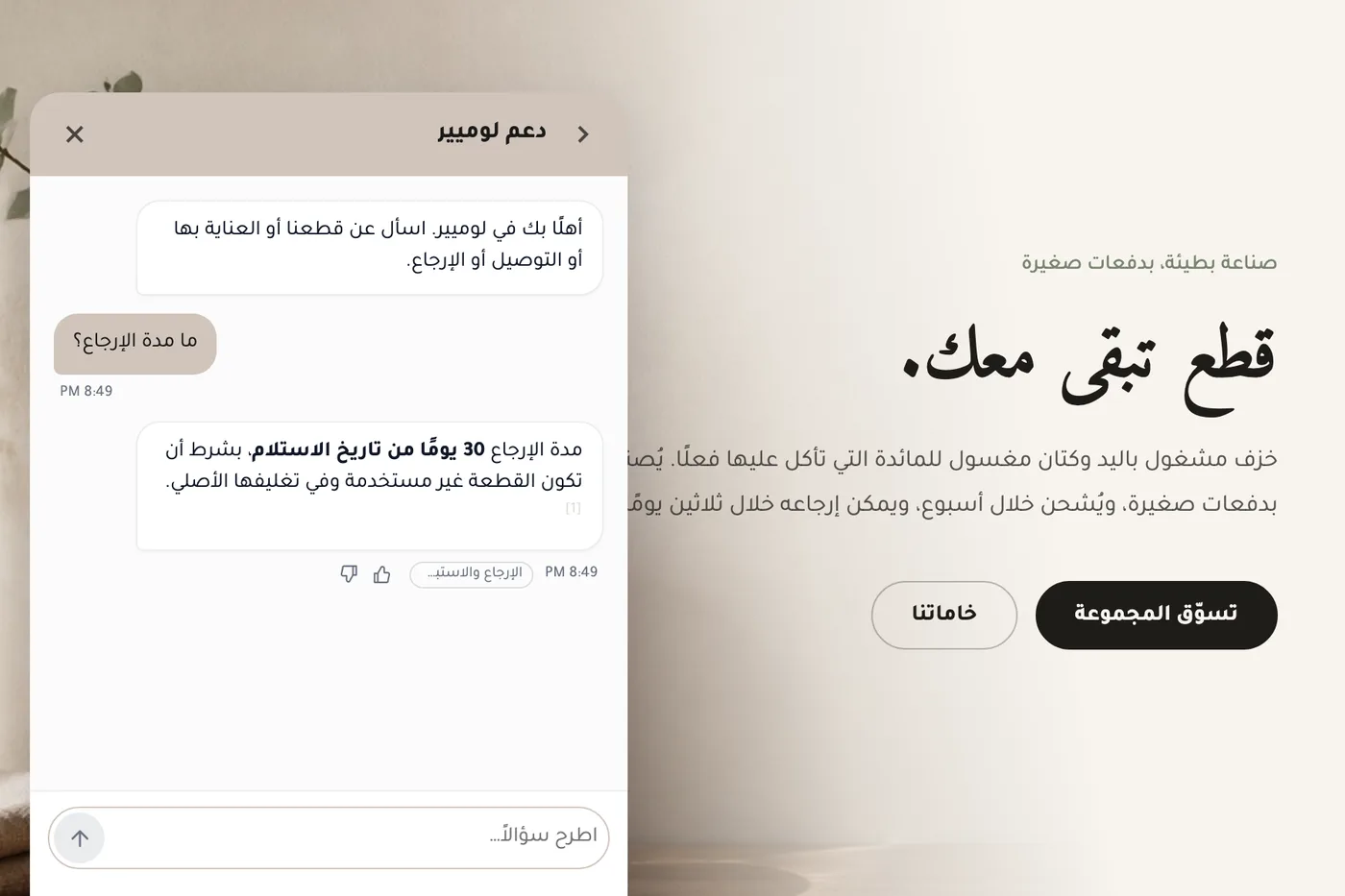


Answer honestly. Capture the rest.
Point Matter Chat at your site and see what it can — and can't — answer. It's honest about both.
No credit card. 2 minute setup.
Every answer cites the source it came from. When there isn't one, it says so — and hands the visitor to you.


Installs on the tools you already run.