Write documentation an assistant can actually retrieve
The same content, restructured, can go from unfindable to reliably retrieved. None of the changes make it worse for humans.
Well-written documentation is often badly structured for retrieval
Long pages that build up to an answer, headings named after internal concepts, and information split across several documents all work acceptably for a reader with time and badly for retrieval, which matches passages rather than whole documents.
- Answers exist but are never retrieved
- Headings named after internal features rather than user questions
- One enormous page covering a dozen unrelated topics
- Key facts stated only in a table or an image
Answer in the first paragraph
State the answer plainly, then explain. Retrieval works on passages, so a direct statement near a relevant heading is far more likely to be found than the same fact reached after four paragraphs of context.
Use headings that match how people ask
'How do I add another user' retrieves better than 'Seat management'. Your internal vocabulary is the thing standing between the question and the answer, and the gap report tells you exactly which words people use instead.
One topic per page
Split enormous catch-all pages. A page covering billing, seats, and permissions gets retrieved for all three and answers none of them precisely, because the matched passage may be about a different section entirely.
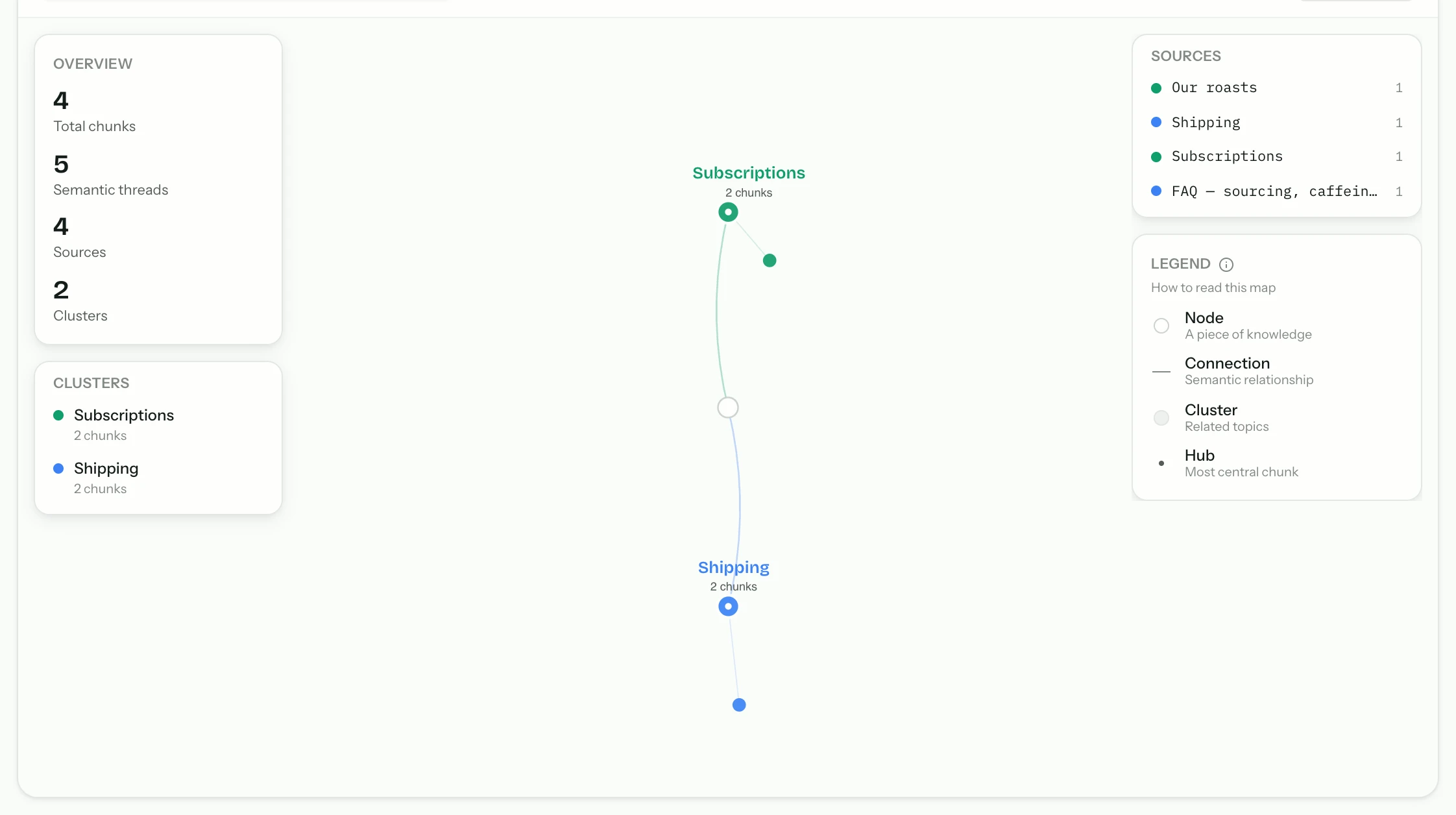
Split by question
If a page answers four questions, it is probably four pages.
Keep related pages linked
So a reader following a citation can continue.
Put facts in text, not only in images
A pricing table rendered as an image, or a key figure that only appears in a screenshot, is invisible to retrieval. Anything that must be answerable needs to exist as text somewhere on the page.
Common questions
- Do I have to rewrite all my documentation?
- No. Work from the gap report — fix the pages that are failing to answer real questions, and leave the rest. Most sites find the problem is concentrated in a handful of pages.
- Does this hurt readability for humans?
- It generally improves it. Answering directly, using the reader's vocabulary, and splitting overloaded pages are ordinary editing improvements that happen to also help retrieval.
- How long should a page be?
- Long enough to answer its question completely and no longer. Length is not the problem; covering several unrelated topics on one page is.
From the blog
All posts- BuildingWhat to index first when your site is a messStart with the pages that already resolve real support questions. Noise, archives, and unfinished docs can wait — indexing them first makes answers worse.Read
- EvaluatingWhat a citation should prove (and what most of them don’t)Citations look like grounding. Many are just related links. Here is the two-check test — resolves, and contains the claim — and what fails it.Read
- BuildingWriting help pages an assistant can actually retrieveAnswer early, name headings like questions, keep one topic per page, and put facts in text. Retrieval fails on structure more often than on “AI”.Read




Answer honestly. Capture the rest.
Point Matter Chat at your site and see what it can — and can't — answer. It's honest about both.
No credit card. 2 minute setup.
Every answer cites the source it came from. When there isn't one, it says so — and hands the visitor to you.


Installs on the tools you already run.