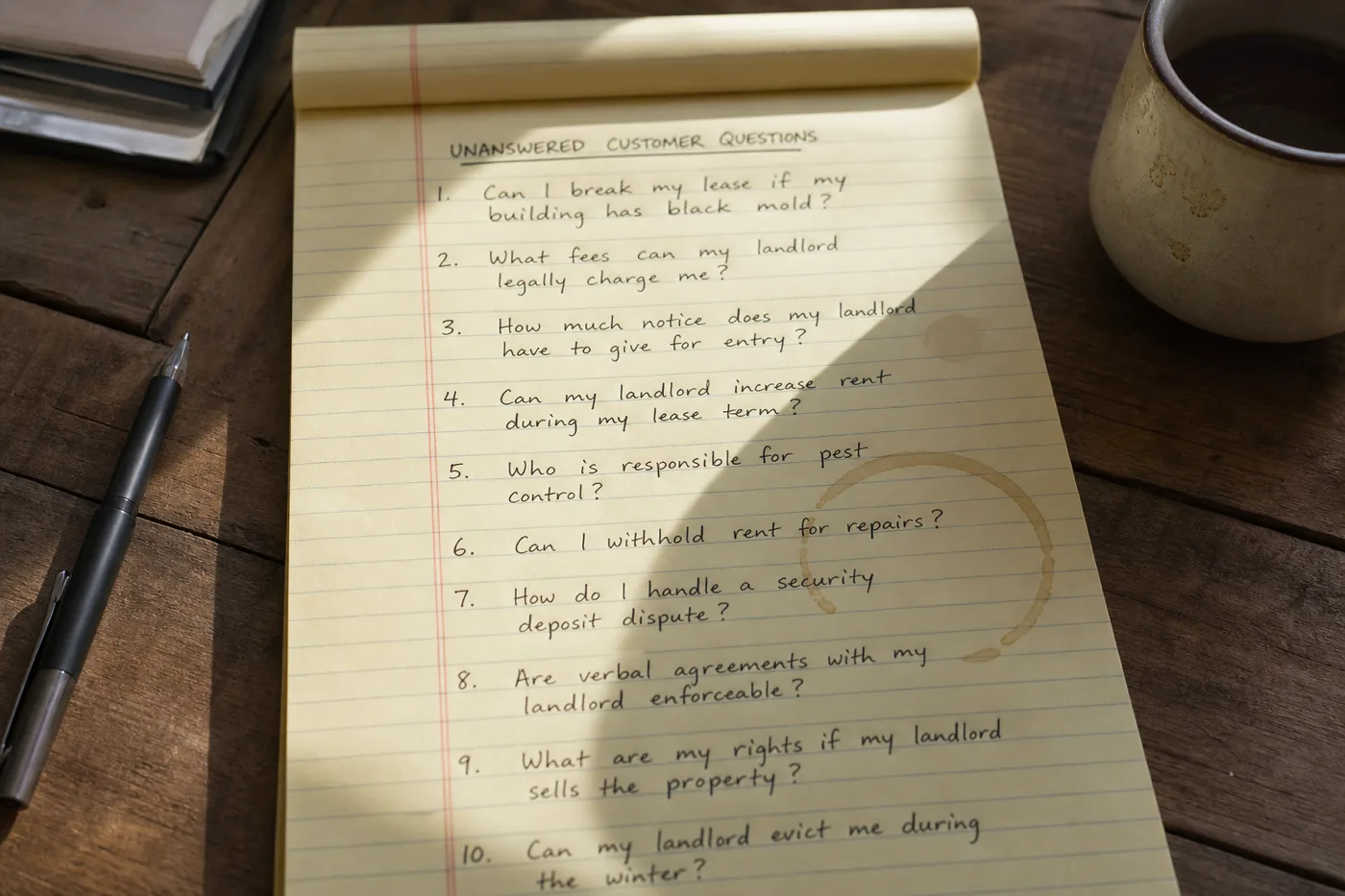
Teams treat refusals as embarrassment — evidence the bot failed the demo narrative. Customers treat a clean refusal as respect. The product treats a growing refusal list as instrumentation. Every honest “I don’t have that in my sources” is a question your site could answer but does not yet. Collect them and you have a roadmap more honest than any keyword report from search.
A refusal list is simply that collection: visitor phrasing, topic, frequency, and whether a human was requested next. Its job is not to drive answer rate up by lowering the refusal threshold. Its job is to tell you which page to write first.
Refusal vs error vs escalation
Before you rank, separate three outcomes that look similar in a transcript:
| Outcome | What happened | List it how |
|---|---|---|
| Honest refusal | Bot declined; content absent | Content-gap candidate |
| Wrong answer | Bot answered; content absent or ignored | Quality incident — not backlog |
| Escalation after coverage exists | Bot could not retrieve or visitor wanted human | Retrieval or handoff issue |
What to capture on each row
- Visitor wording — not your internal paraphrase.
- Timestamp and page URL where the widget opened.
- Whether a citation was attempted anyway.
- Next step: handoff, form, abandon.
- Repeat count rolling weekly.
You do not need perfect taxonomy on day one. You need repeatability. The same question phrased five ways should roll up to one theme when someone reads the list aloud in a standup.
Tag refusals that follow a wrong answer separately. Those rows go to quality review first — closing them with new copy when retrieval failed wastes the content team’s week.
How to rank the backlog
Frequency alone is too blunt. Use a simple stack rank that matches how support leads already think:
- Volume — how often did this refusal appear this week?
- Severity — if answered wrong, would it cost money, safety, or trust?
- Writeability — can a public page fix it, or does it need account tools?
- Duplication — does an adjacent page almost cover it and only need a paragraph?
High volume plus high severity plus writeable equals top of sprint. High volume but needs account lookup equals escalate design, not a FAQ sprint. Low volume but legally sensitive equals persona boundary, not content.
Cadence: the weekly fifteen minutes
Review the refusal list weekly with the person who owns help content — even if that is the same person who owns the inbox. Fifteen minutes: top five rows, assign writer or escalation fix, mark closed when a page ships and recrawl completes.
Pair with designing helpful refusals so declines stay useful while the backlog shrinks. A refusal that offers a real next step buys time; a refusal that dead-ends trains visitors to skip the widget.
Share the top three themes with product and marketing in the same meeting — not as a bot report, as customer questions the site failed to answer. That framing keeps the list from being shelved as “AI tuning.”
Close the loop after publish
When a page ships, re-ask the top three visitor phrasings from that theme. If refusals continue, the gap was misdiagnosed — wrong page, wrong heading, or chunk boundary issue. Do not mark closed until paraphrase passes.
What improving the list should change in metrics
“Answer rate should rise because the site got clearer — not because someone told the bot to guess.”
When the backlog works, you should see themed refusals fall after publishes, sampled correctness rise on those themes, and tickets on the same wording soften — not disappear overnight. If refusals vanish but wrong answers rise, someone merged refusal into generation. Roll that back. The list is the metric that keeps automation honest. Rank it like product work, not like an apology.
Export the list to whatever tool product already uses — Jira, Notion, Linear. A refusal list that lives only inside the bot admin becomes invisible the moment someone new owns support.