
Add an AI support assistant to a WordPress site
WordPress runs a huge share of the web and almost all of it has more published content than its search box can surface. One small plugin, one key, and every page can answer for itself.
- One plugin
- About two minutes
- One field
Upload it, activate, paste your key — or paste the snippet below instead.
<!-- Matter Chat — paste right before </body> --><script> window.MatterChat = window.MatterChat || { q: [] }; window.MatterChat.q.push(["init", { id: "bot_your_key" }]);</script><script async src="https://app.matterchat.co/widget.js"></script></body>html · paste above the dimmed line
The route through your admin
- Plugins
- Add New
- Upload Plugin
- Settings → Matter Chat
Your key goes in Settings → Matter Chat.
Where the key goes
Install the Matter Chat plugin, paste your bot's public key under Settings → Matter Chat, and press Verify. The plugin adds the same two script tags the snippet does to every front-end page, and a theme or core update cannot remove them. If you would rather not add a plugin, the snippet still pastes into a code-snippet plugin such as WPCode, or a child theme's footer.php.
- The plugin (recommended)
- One option, one script tag on every page. Survives theme and core updates; Verify tells you the key is right and the site is allowed.
- Snippet plugin
- WPCode's footer hook works exactly as before, and is the route if your host forbids uploading plugins.
- Child theme footer.php
- Works, but only in a child theme — a parent edit is lost on update.
- Works with WooCommerce
- Nothing store-specific is required; it is the same widget on the same site, product pages included.
One option, one script tag, nothing else — the plugin never touches your theme. WPCode and footer.php still work if you would rather not add a plugin.
Your archive becomes answerable
The crawler reads your published posts and pages, so years of accumulated writing becomes something a visitor can ask a question of. Every answer links the post it came from, which sends readers into your content rather than away from it.
One small plugin, nothing else
The plugin stores one option — your key — and adds one script tag. No tables, no cron jobs, no tracking, no settings copied from the dashboard to fall out of step with it. It is GPL, it never edits your theme, and deactivating it removes the widget in one click; deleting it removes the option too.
Checking it actually worked
Four things, in order. The third is the one people skip, and it is the one that tells you whether the answers are grounded.
- 1Hard refresh the page — the launcher appears bottom-right.
- 2Ask it something your site answers, and check the reply cites a page.
- 3Ask it something your site does not cover, and check it declines.
- 4Open Conversations in the dashboard; both should be there.
On a different stack?
The snippet is the same everywhere. Only the place you paste it changes.















See it working
The same shop, on WordPress.
LUMIÈRE again, built as a WordPress and WooCommerce site with the Matter Chat plugin installed — no theme edits, no pasted script. It runs the same assistant as our demo storefront, so it answers from that shop’s pages and its citations open them.
Open the WordPress demoOpens in a new tab. Nothing to sign up for, and nothing is for sale.

Four things worth asking it
“Is the stoneware dishwasher safe?”
Any cycle, and the oven limit, from the care guide
“How much is UK next-day delivery?”
Reads $7.95 and the 2pm cut-off off the shipping table
“Can I change my order after placing it?”
Yes until it ships — and what to do once it has
“Is there a student discount?”
Nothing on the site says. It declines and offers a human
What site owners ask
Short answers. If yours is not here, the assistant on this page will try it — and tell you honestly if it cannot.
Is there a WordPress plugin?
Yes. It takes your public key once, adds the pinned widget script to every page, and has a Verify button that checks the key and whether this site is on the bot's allowed domains. It does nothing else, so there is nothing in it to conflict with a core update. You can still paste the snippet through WPCode instead if you prefer.
Will it index posts behind a membership wall?
The crawler reaches publicly published content. Gated material can be added as uploaded documents instead, so it is still answerable without being public.
Does it work with page builders like Elementor or Divi?
Yes. It reads the rendered page, so it does not matter which builder produced the markup.
From the blog
All posts- EvaluatingShopify vs WooCommerce: a hosted store or your own WordPress? (2026)Shopify and WooCommerce compared on what you actually pay for, the entry prices, card fees, third-party payment penalties, hosting, extensions, subscriptions, markets and who maintains what — every figure read from both vendors' own pricing pages on a stated date — with a section on how a support chatbot installs on each.Read
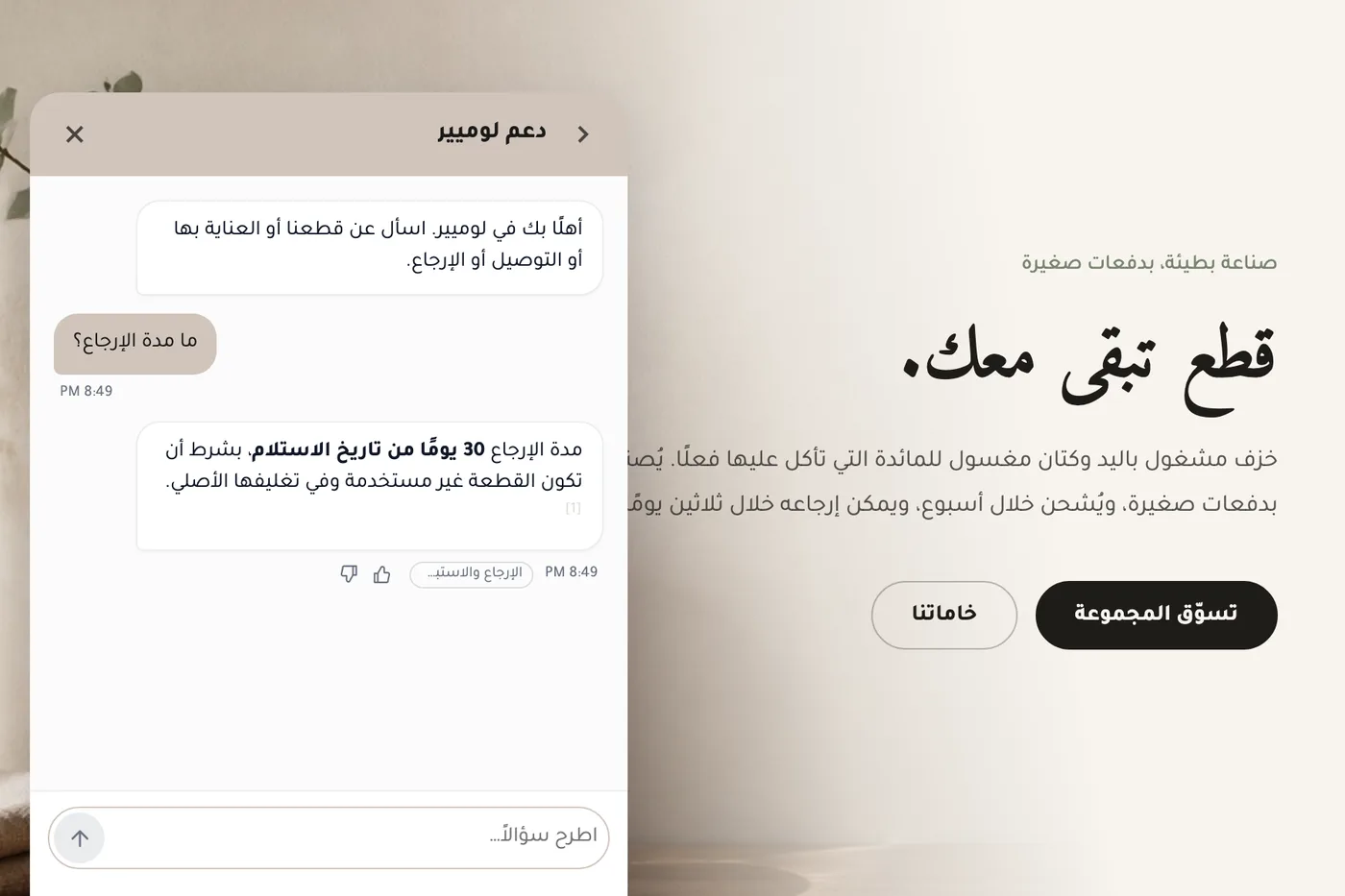
- EvaluatingWhat supporting Arabic properly asks of an AI chat widgetWhat correct Arabic support in an AI chat widget involves — right-to-left layout, mixed-direction text, reply language, citations and search — how Matter Chat handles each, where it still falls short, and a live Arabic demo store to test it on.Read
- BuildingDomain locks and why “works on localhost” isn’t enoughDomain allowlists exist so your bot answers only where you installed it. Testing on localhost proves the script loads; it does not prove production embeds are locked down.Read


Answer honestly. Capture the rest.
Point Matter Chat at your site and see what it can — and can't — answer. It's honest about both.
No credit card. 2 minute setup.
Every answer cites the source it came from. When there isn't one, it says so — and hands the visitor to you.


Installs on the tools you already run.